Windows 95

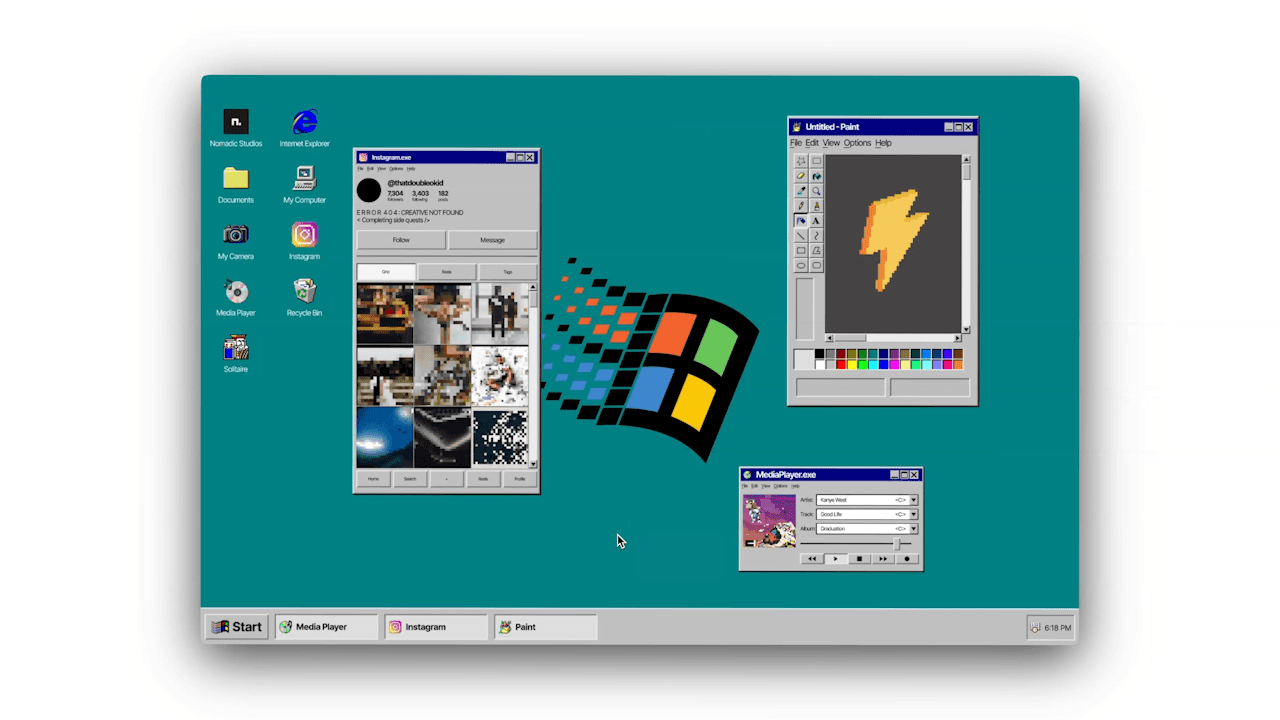
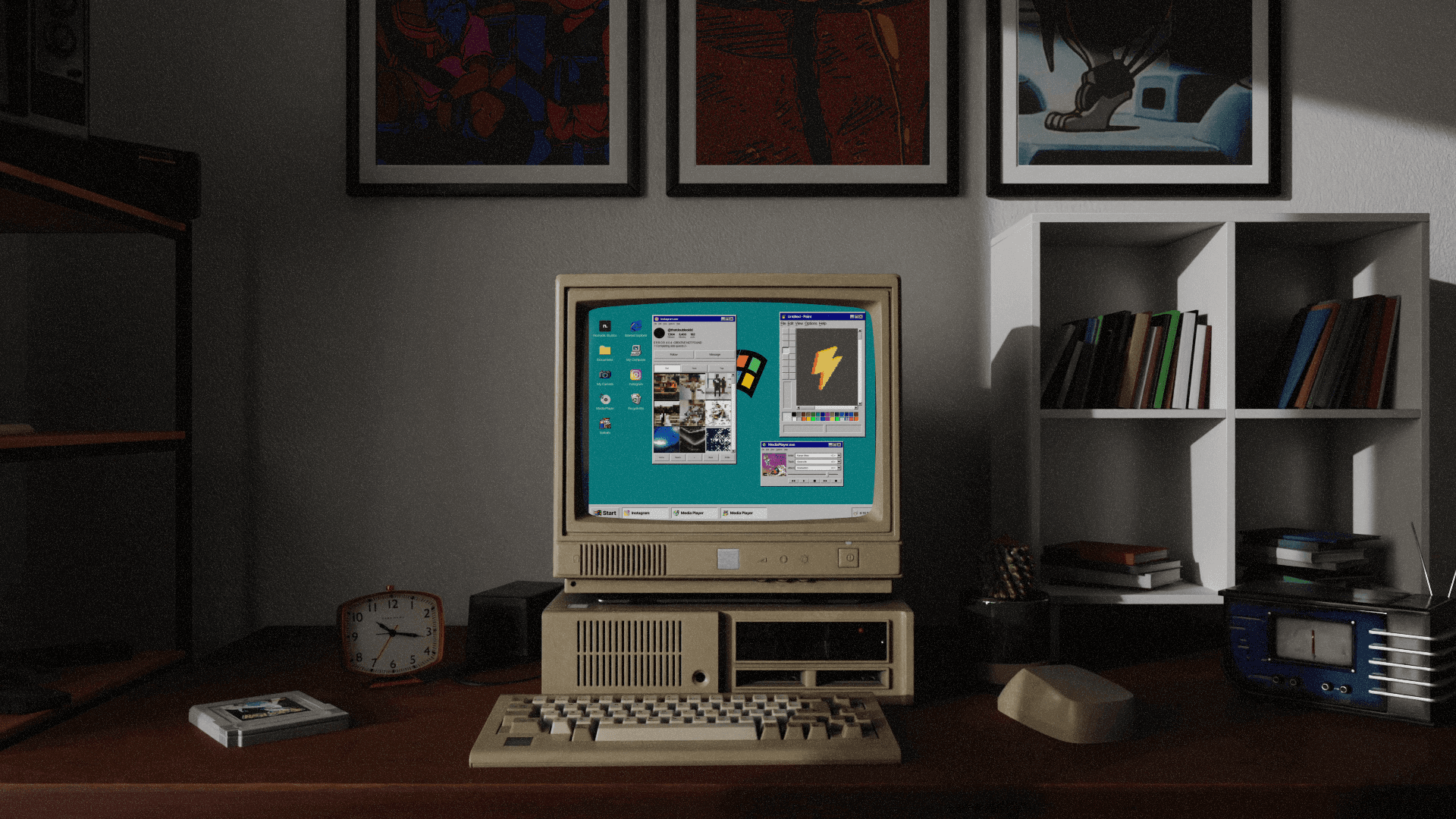
Windows 95 desktop recreated in Figma
CLIENT

Personal Project

ROLE

Designer

Prototyper

Educator

YEAR

2022

SERVICES

UI Design

Icon Design

Prototyping

Figma Community

Education

/ Context

Context

01

Windows 95, rebuilt in Figma and given away so anyone can make their own.

Windows 95, rebuilt in Figma and given away so anyone can make their own.

/ Problem

Problem

02

No client, no brief. Just a question: how close can you get to a real operating system using only design tools? Windows 95 is burned into a generation's memory, so every pixel had to feel right. It also meant solving real interaction problems: windows that open and close, menus that behave, and navigation that feels like an OS, not a slideshow.

No client, no brief. Just a question: how close can you get to a real operating system using only design tools? Windows 95 is burned into a generation's memory, so every pixel had to feel right. It also meant solving real interaction problems: windows that open and close, menus that behave, and navigation that feels like an OS, not a slideshow.

/ Approach

Approach

03

Treat nostalgia like a spec. I studied the original interface and rebuilt it piece by piece, starting with the icons and the classic gray window chrome, then the pages behind them. Everything was built as reusable components, so the click-throughs could be wired up like a real system and other designers could understand and remix it.

Treat nostalgia like a spec. I studied the original interface and rebuilt it piece by piece, starting with the icons and the classic gray window chrome, then the pages behind them. Everything was built as reusable components, so the click-throughs could be wired up like a real system and other designers could understand and remix it.

/ The Work

The Work

04

ICONS

The icons carry most of the nostalgia, so they came first. Rebuilding them by hand was a crash course in how much character fits into a tiny grid.

WINDOWS & PAGES

Beveled gray buttons, blue title bars, chunky menus. Building them as components meant every window behaved the same, and new pages could be added in minutes.

CLICK-THROUGHS

Open a folder, launch a window, close it again. The goal was for people to forget they were in a Figma prototype and just start clicking around.

FIGMA COMMUNITY

Sharing it turned a personal experiment into a resource. Designers can open the file, see exactly how it was built and use it as a starting point for their own retro projects.

TEACHING

I walked people through recreating it themselves: the components, the interactions and the small details that make it feel authentic. Building it was fun. Helping other people build their own was the best part.

/ Outcome

Outcome

05

“It's now safe to turn off your computer.”

/ Reflection

Reflection

06

Fun projects are where the best learning hides. With no client and no deadline, I could chase every detail of an interface I grew up with and push Figma's prototyping further than client work usually asks. Sharing it with the community reminded me why I love this work: make something, then hand people the keys so they can make it too.

Fun projects are where the best learning hides. With no client and no deadline, I could chase every detail of an interface I grew up with and push Figma's prototyping further than client work usually asks. Sharing it with the community reminded me why I love this work: make something, then hand people the keys so they can make it too.